Gaming Stream Overlay Pack for OBS: Esports Pomodoro Timer, Task List, and Scenes
A downloadable tool
Run your grind streams and gaming coworking sessions with a HUD that looks like a pro broadcast.
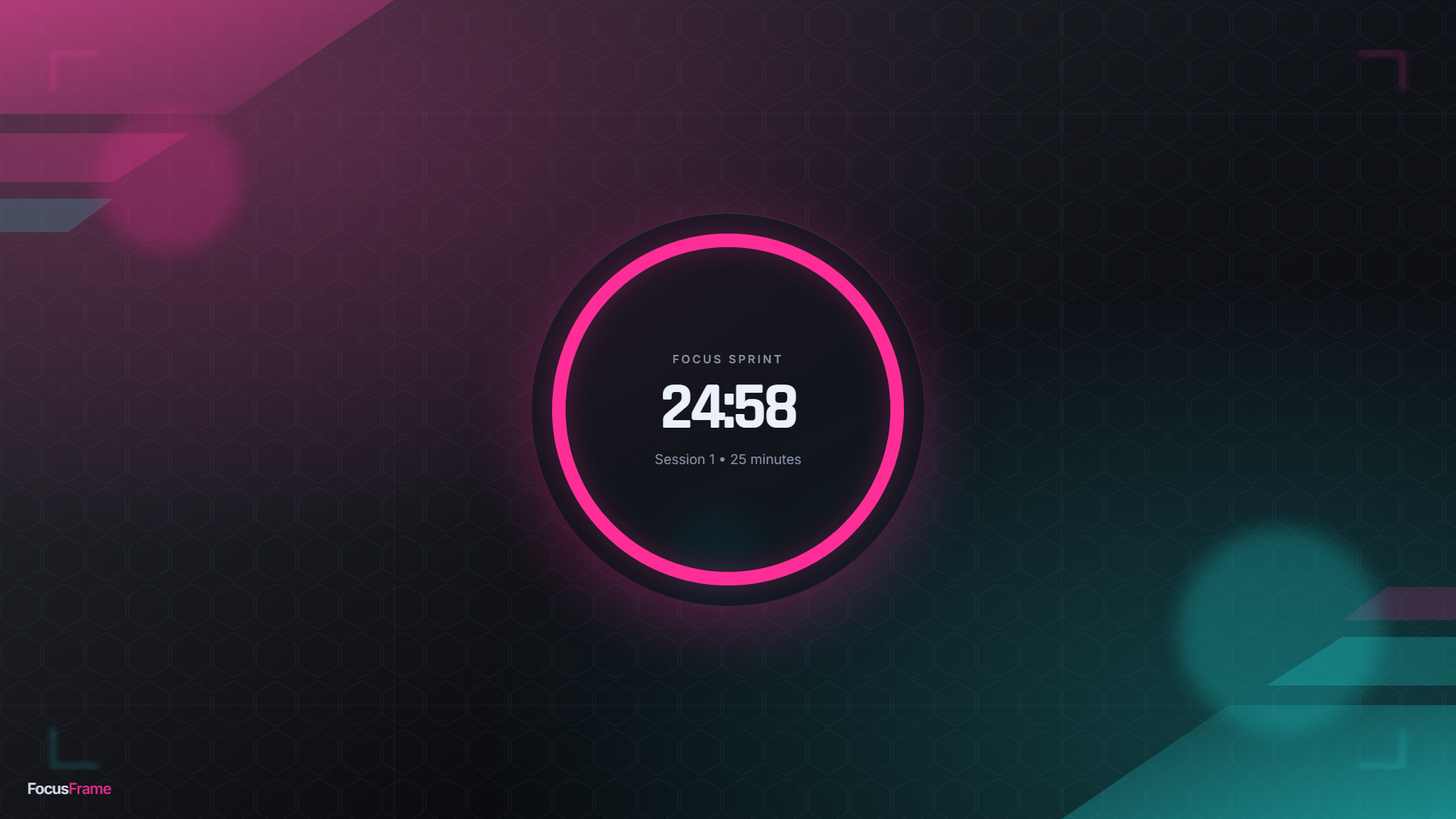
Game Night is a dark, esports-clean overlay set with an electric magenta and cyan accent, sharp angles, and a subtle glow. Clean, not cluttered. Drop one file in as a Browser Source and you are live. No app, no login, no subscription.
WHAT YOU GET
- Animated Pomodoro timer with a glowing countdown ring that auto-cycles focus and break
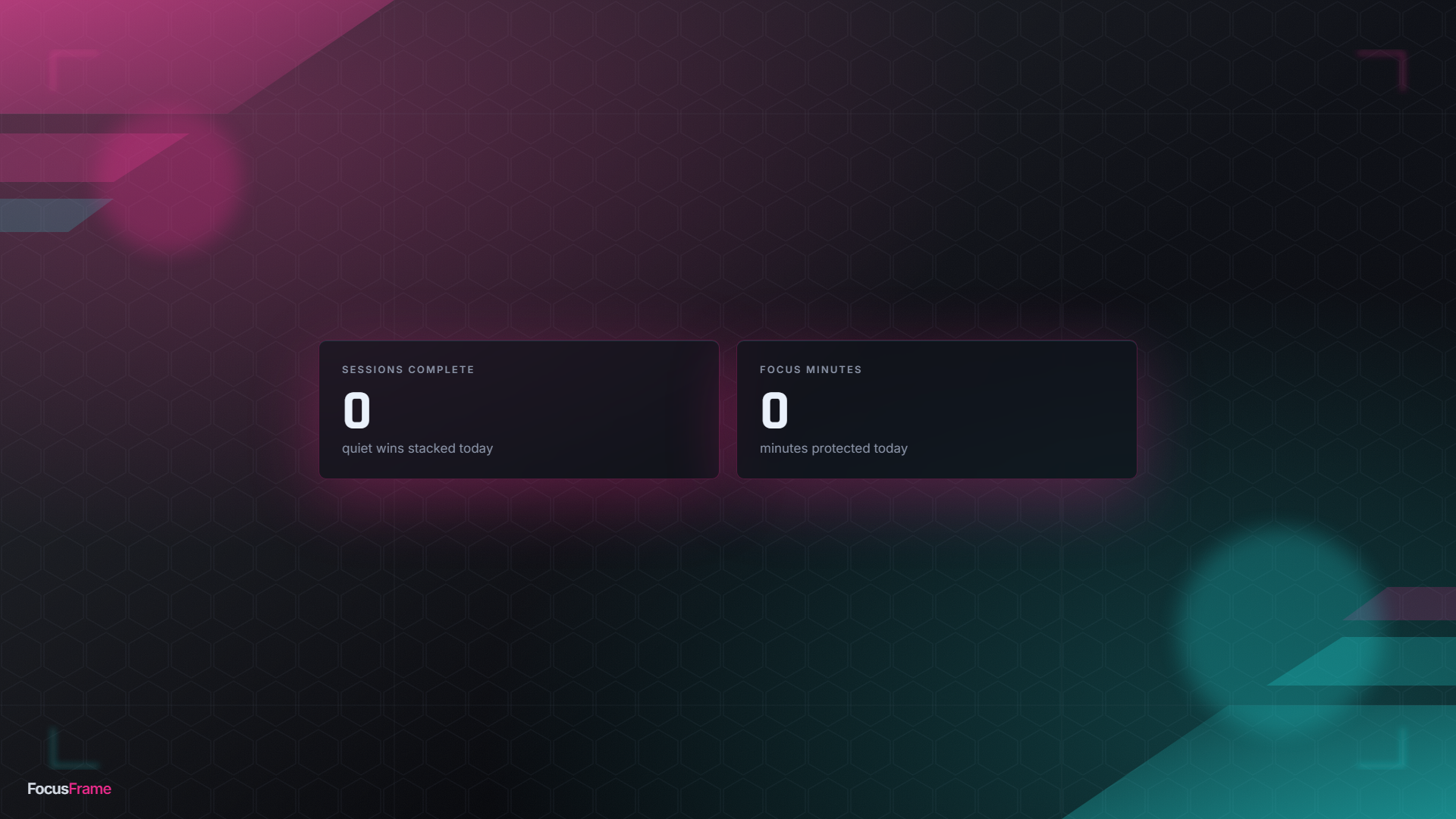
- Session counter and focus-minutes-today that reset cleanly each day
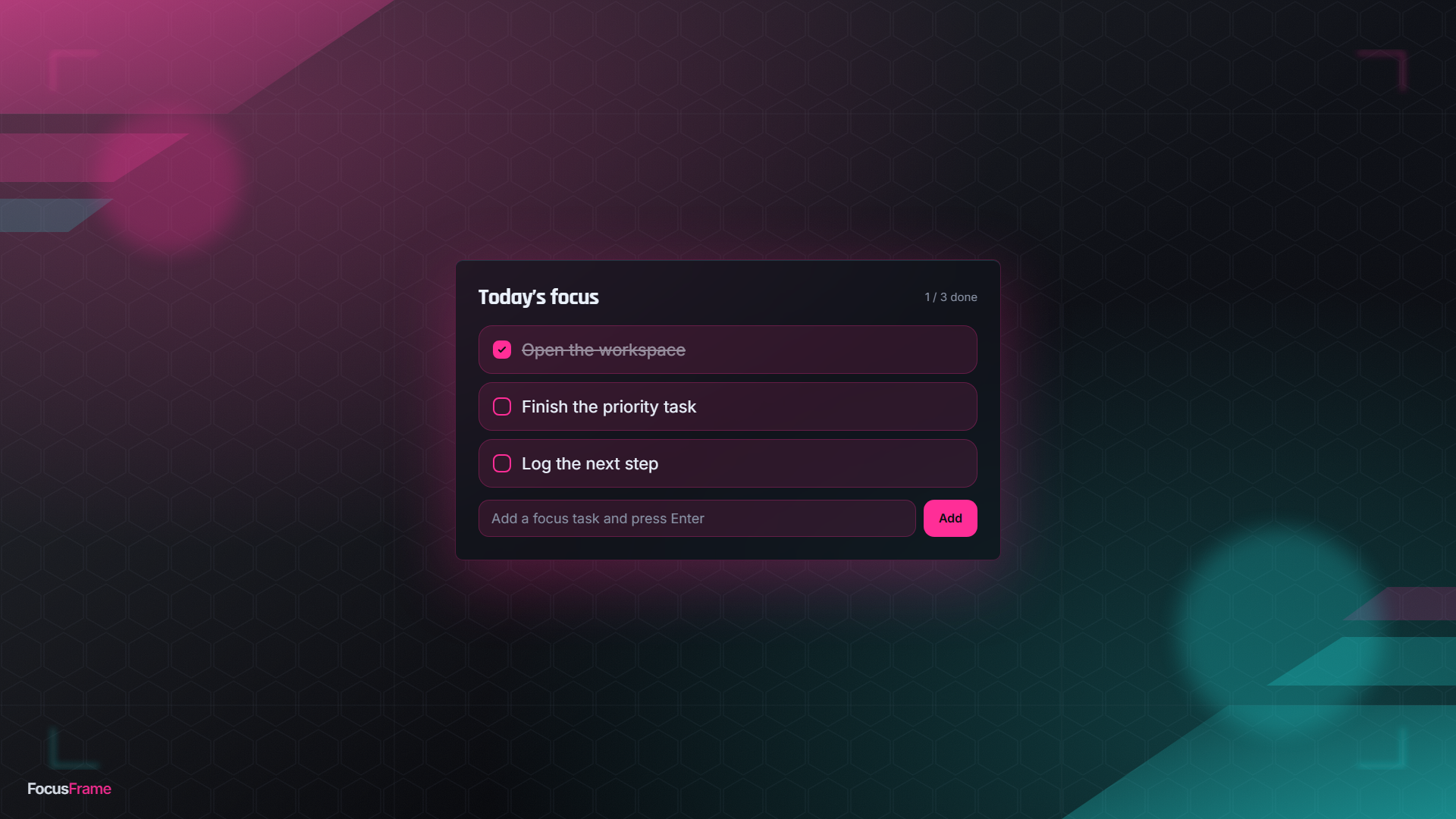
- A live task list you can add to and check off on stream
- Starting Soon, Short Break, and Session Complete scenes with a live clock
- A full all-in-one HUD layout with a facecam frame: drop one source and get the whole look
- Swap in your own 1920x1080 background art any time
OBS SETUP IN 3 STEPS
1) Unzip the pack.
2) In OBS add a Browser Source, tick Local File, and pick a file from the pack.
3) Set the size, then tune the timer in the URL, for example: timer.html?focus=50&break=10
WHAT IS INCLUDED
timer.html, session.html, tasks.html, the three scenes, the all-in-one hud.html, all styles and scripts, your background art, and a README with recommended sizes.
LICENSE
One-time purchase with free updates. Use it on your own channel, including monetized streams. Do not resell or redistribute the overlay files themselves.
Made for gaming, grind, and coworking creators who want a sharp, high-energy HUD that stays clean.
Purchase
In order to download this tool you must purchase it at or above the minimum price of $19 USD. You will get access to the following files:
Leave a comment
Log in with itch.io to leave a comment.